Help & Support
How to find products?
Search Bar
The best way to find products is using the Search Bar or Tool. It appears at the top of each page for desktop or as a menu item on mobile.
Here are some tips to get the best results:
- Enter a part number OR
- Enter 2-3 keywords you want to search for OR
- Enter a product Category or anything else you would like to search for
Menu Navigation
We have also separated the products by category and they are accessible via the menu navigation. You can click on the sections and access the products in each category quickly.
Price Filtering
You can also limit or filter prices by using the filter tool when viewing multiple products.
Using Product Link
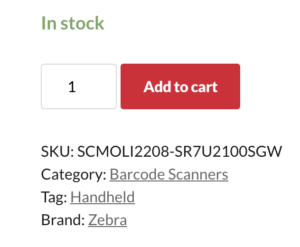
When you are viewing a product, you will notice it will have a product link below the Add to Cart button. You can click on these links and filter products by product tag, category or brand to further refine your search.